Perform the initial setup of ShipStation and FlowEQ
If you want to use the ShipStation steptypes in your Flows, you’ll first need to follow these steps to enable the ShipStation integration in FlowEQ.
Log into ShipStation
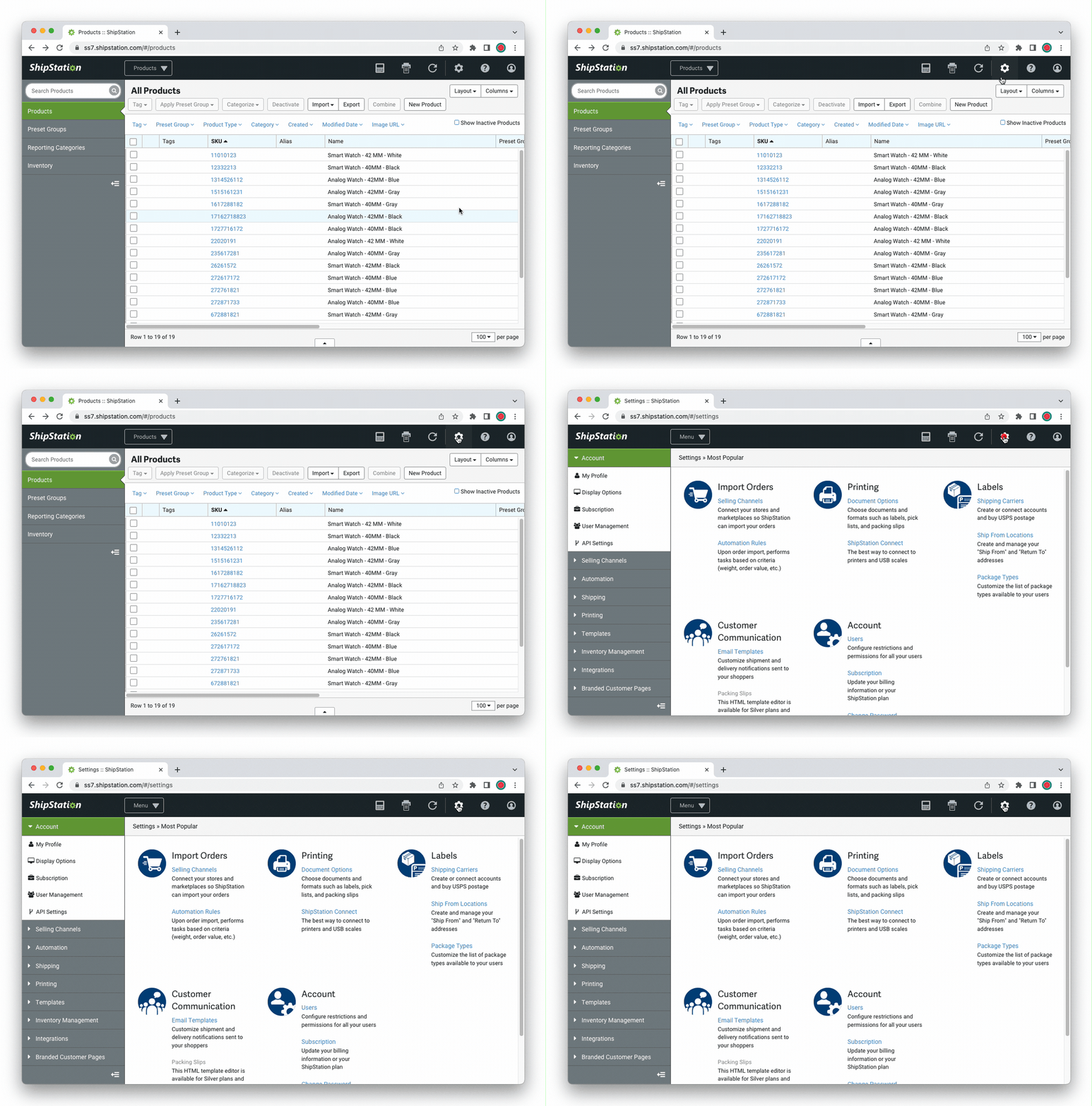
In ShipStation, click the gear icon in the top right to open the Settings menu.\
In the left rail, click API Settings.
If you haven’t created API keys in ShipStation yet, click the Generate API Keys button.
If you only have the option of clicking the Regenerate API Keys button - though be warned this will break any apps already using those API keys to connect to ShipStation.
Take note of the API Key and Secret codes. You will need them later.